Drop a build.
Get an install link.
Upload your .apk or .ipa and you get a link people can install from on their phone. Builds sharing a bundle ID collect under one project on their own, testers hear about each new one, and what they report back lands where you're already looking.
Drag & drop your build
or browse files — .apk or .ipa, up to 150 MB
Sign in required · link ready right after
Features
Upload
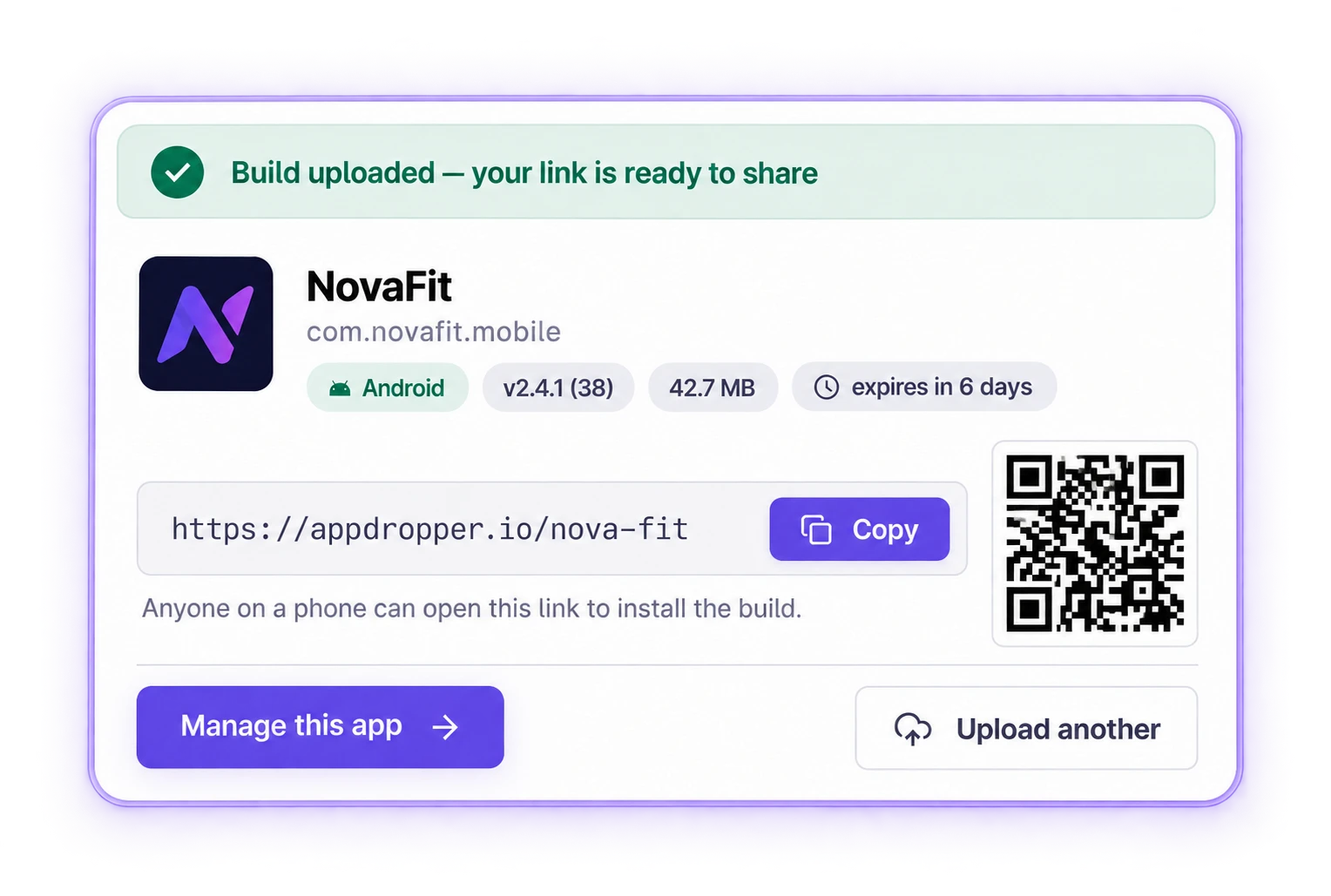
Drop a build. We read the rest.
Share
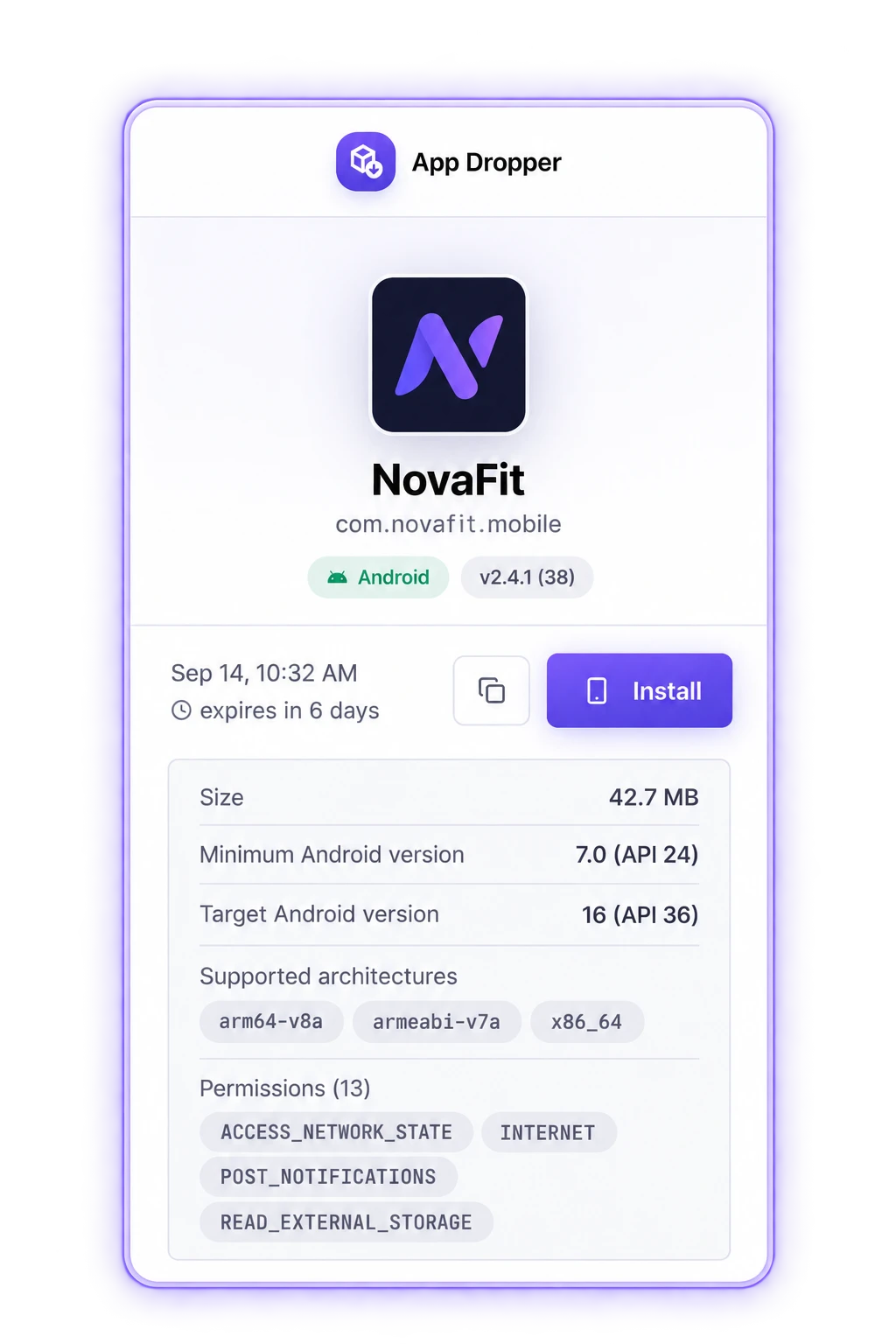
One link, every version, forever.
Uploads group into a project by bundle ID, so every version lives together behind a single link that never changes — no matter how many builds you push. Point a phone camera at the QR code and it installs. No cable, no Xcode.
Testers
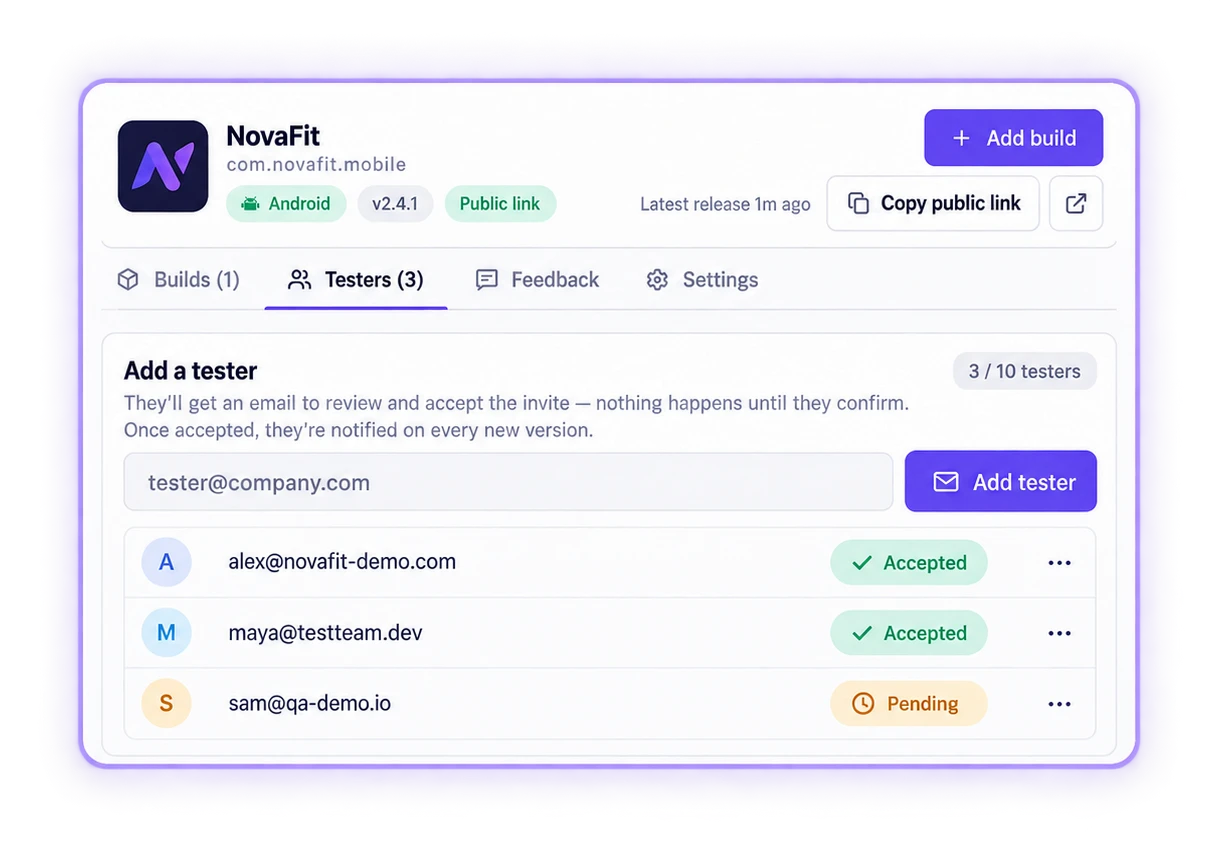
Invite once, notify on every build.
Add testers by email per app. They get a mail the moment a new version lands — same link, new build — and their feedback comes back into the same place.
Also included
- Versions, auto-grouped
- Every upload is filed into a project by its bundle ID. No manual setup, ever.
- Private when you need it
- Keep a link public, restrict it to invited testers, or put a password on it. Change your mind any time — the link stays the same.
- QR on every build
- Right after upload, on the share page, and against each individual version.
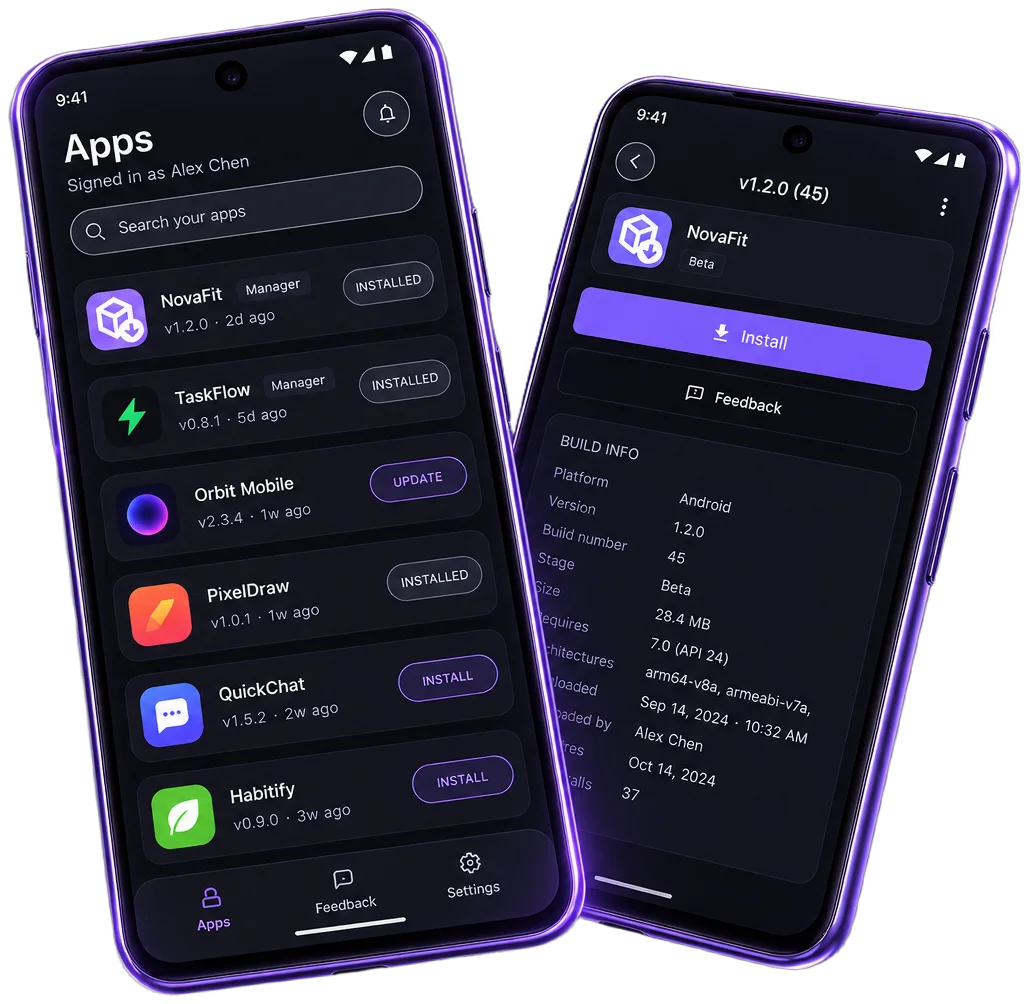
Mobile app
Your test builds, in your pocket.
Same account, same apps as your dashboard — now on your phone.
- A push the moment a new build lands
- Install or update any app in one tap
- Send and manage feedback per app